Nonprofit Seva
A free WordPress theme I built for small Indian nonprofits, so a registered NGO can have a clear, honest website without paying an agency.
Get it on WordPress.orgSee the code on GitHub
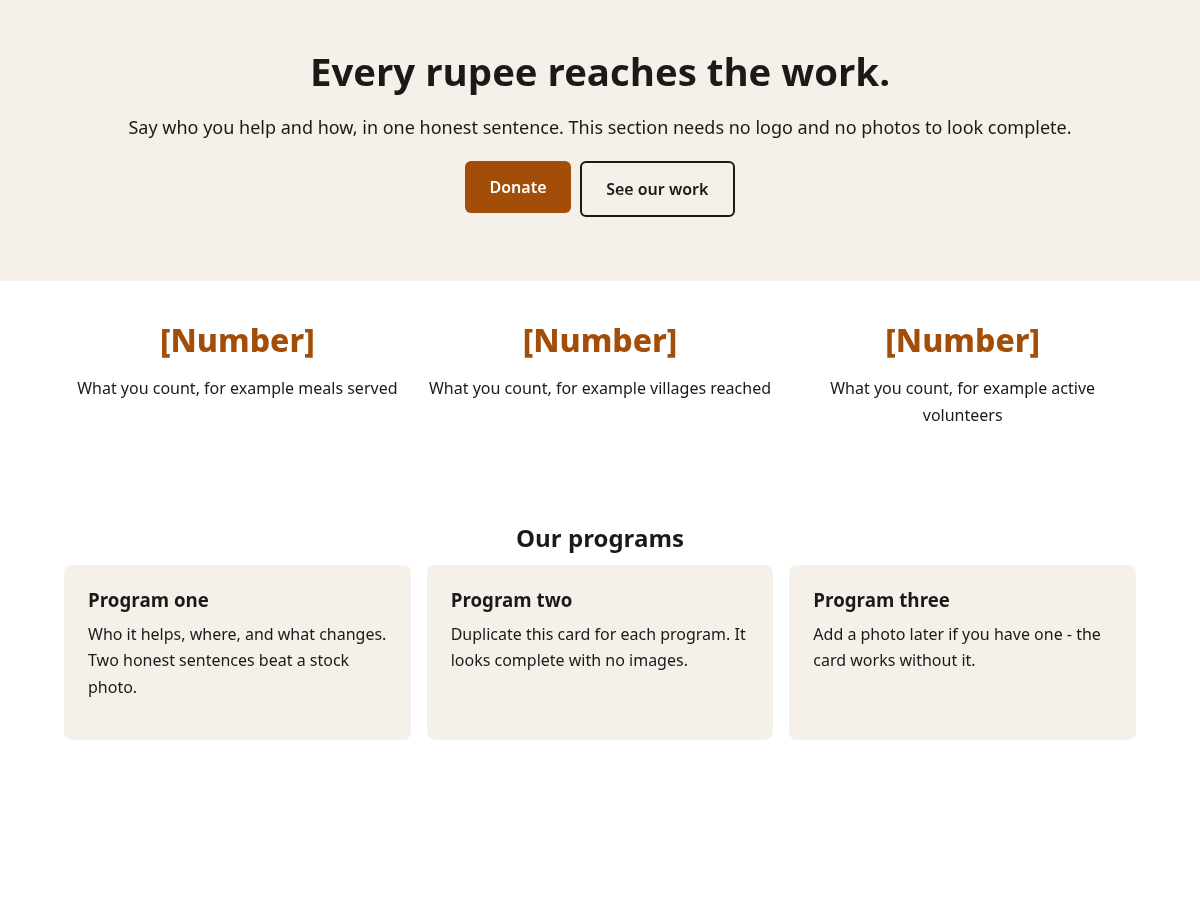
See the layouts
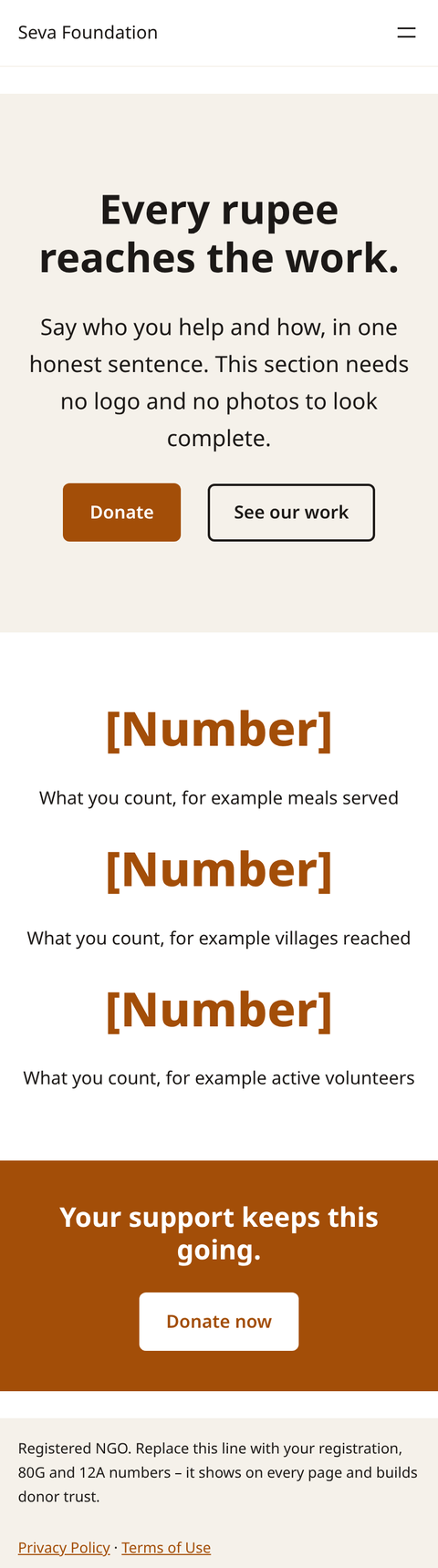
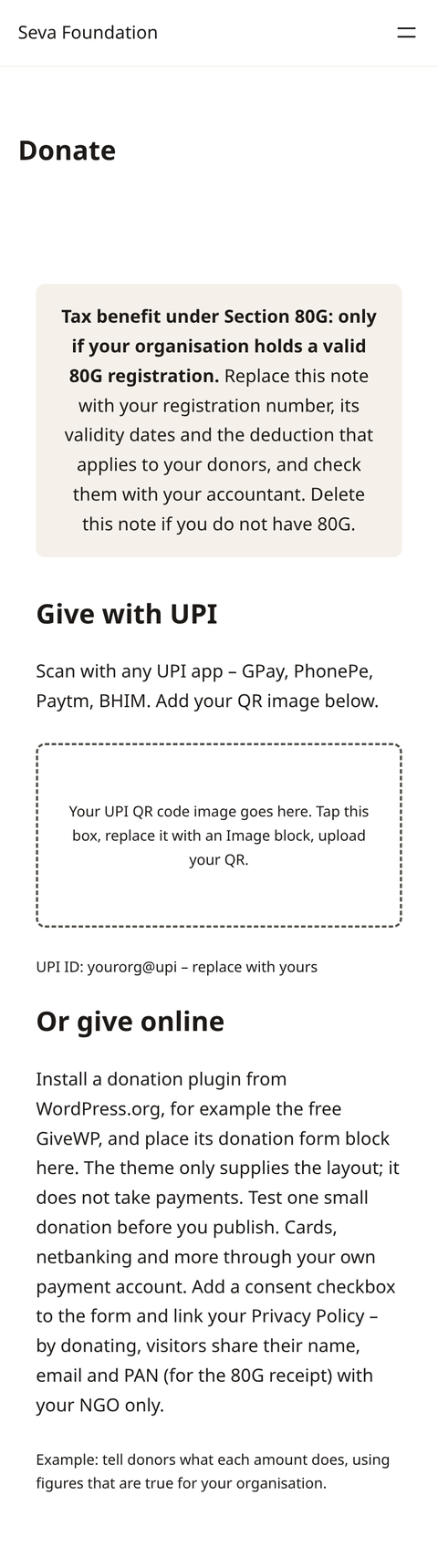
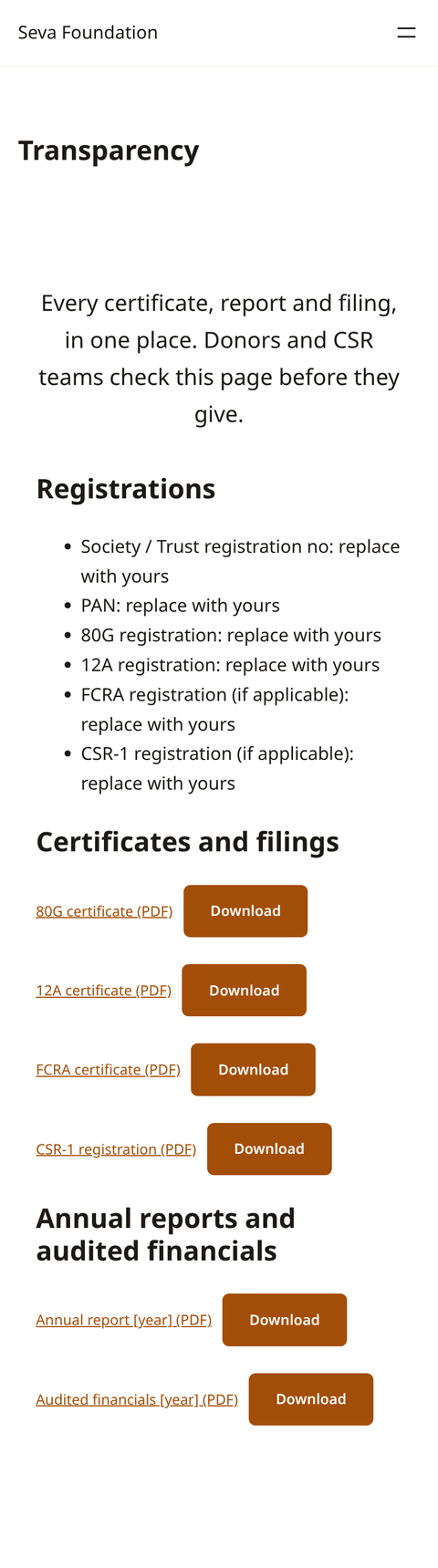
These are real screenshots of the theme running on WordPress, taken at phone width in the default style. Numbers and names are placeholders you fill in.
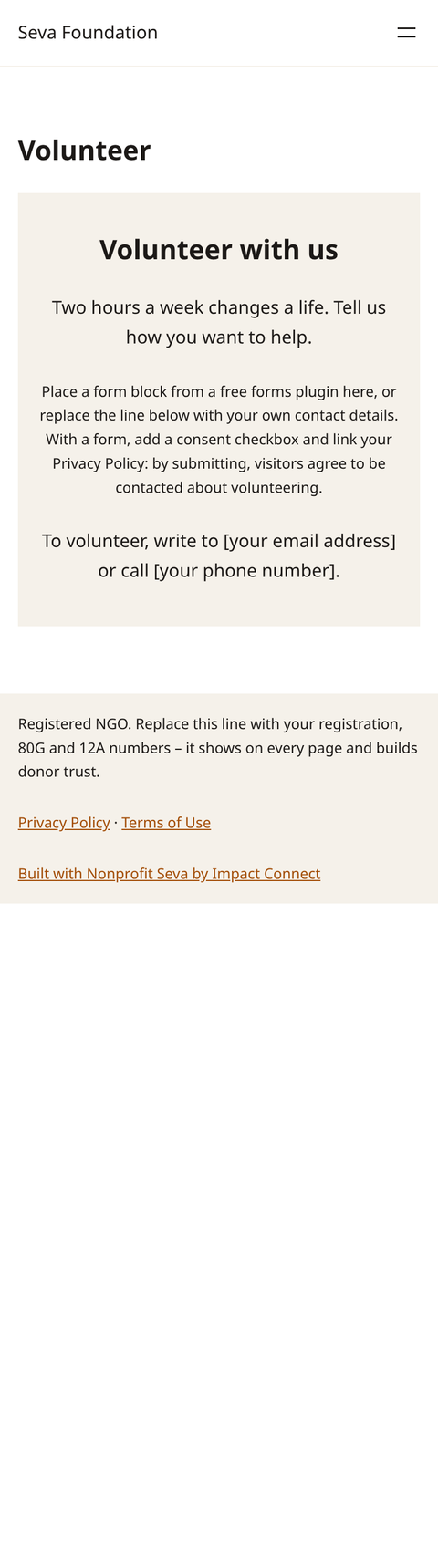
Five colour styles
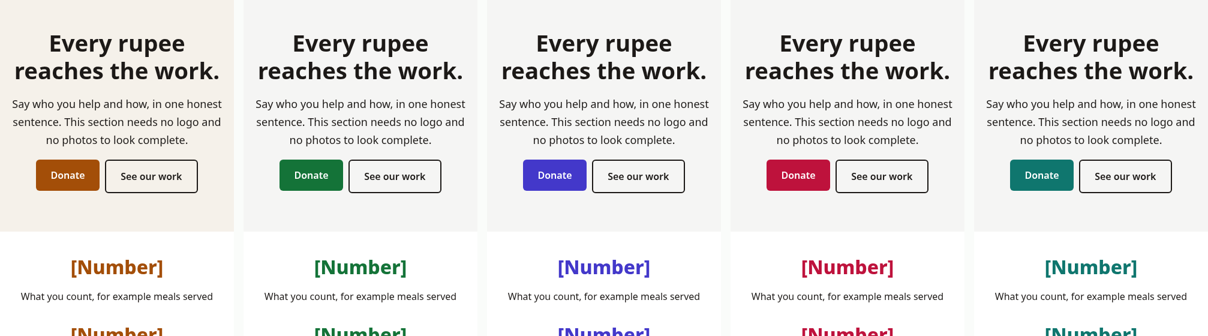
Pick one in the Site Editor. Left to right: default, green, indigo, rose, teal. This strip is drawn from the theme colour settings, not a WordPress screenshot.
Why I made it
Most nonprofit themes are built for charities abroad. Indian NGOs need other things on the page: where the 80G, 12A, FCRA and CSR-1 papers are, a way to give by UPI, and a place for annual reports. Nonprofit Seva gives you those page layouts, ready to fill in with your own details.
What is inside
- Donate page layout with a UPI and QR area and a note for your 80G details
- Transparency page for 80G, 12A, FCRA and CSR-1 papers, annual reports and audited financials
- Programs, impact stories and impact numbers that look complete without photos
- Volunteer section, trustees section and a registration-numbers footer
- Privacy policy and terms starter text. These are starting points. Please have a lawyer read them before you publish.
- Light design, system fonts, nothing loaded from other sites
Set it up
- In WordPress, go to Appearance, then Themes, then Add New, and search for Nonprofit Seva. Install and activate it. It needs WordPress 6.6 or newer and PHP 7.4 or newer.
- Open the Site Editor, pick one of the five colour styles, and add your logo if you have one.
- Add a page, insert a pattern from the Nonprofit Seva group, and replace every [bracket] and "replace with yours" line with your own details.
- Upload your certificates as PDFs into the Transparency page. Only publish papers that are current.
- Add your donation or form plugin, test it yourself, then publish.
Video tutorials
I have not recorded these yet. Each one will appear here when it is ready.
Nonprofit Forms video
A short demo of the free Nonprofit Forms plugin: install the ZIP, turn on the privacy notice and send a test submission. It is a local demo with made-up data. Forms is not in the WordPress plugin directory yet.
Help and feedback
Ask questions or report a problem in the WordPress.org support forum or open an issue on GitHub. I read both.
Licence
Nonprofit Seva is free software under the GNU General Public License, version 2 or later. You can use it, change it and share it. The full text is in the LICENSE file. It was built by Impact Connect, started by me, Santosh Kumar.
This page is about the Nonprofit Seva theme only. It does not say that any organisation is registered, approved or verified.